PDF vs Photo Uploads: Which Produces Better Results for Certified Translation?
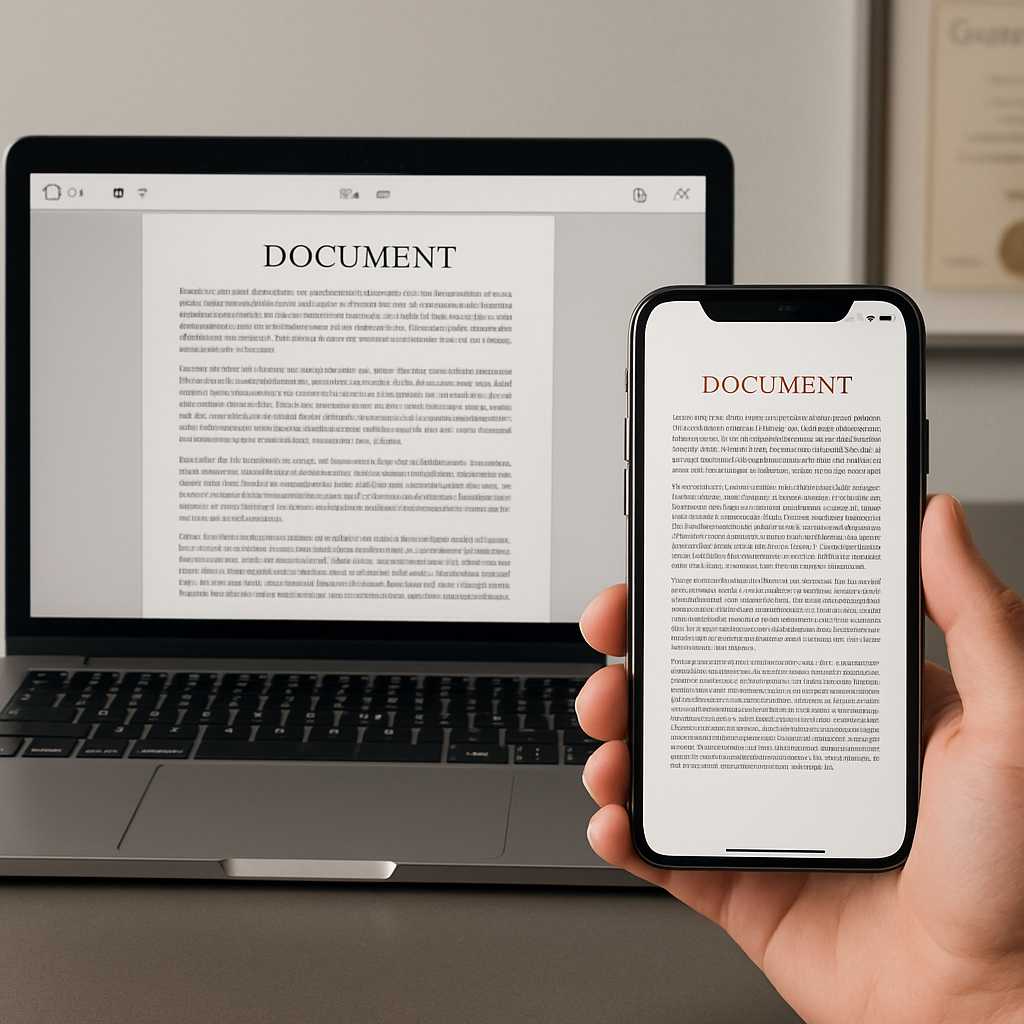
When clients inquire about the best file type for translation, they are often seeking a practical answer: “What gives me the clearest, fastest, least risky result?” In most cases, a PDF yields better results than a photo upload. PDFs are easier to review, maintain order, and are less likely to introduce avoidable issues such as cropping, glare, shadows, or compression. However, this does not mean that a photo is an unsuitable option. A clear, well-lit, high-resolution photo can still be effective for certified translation, particularly when a scanner is unavailable.
The key factor is not merely the file extension; it is whether the file is complete, readable, and easy for a translator to compare line by line. A blurry PDF is worse than a sharp photo, and a cropped JPEG is inferior to a properly scanned multi-page PDF. Generally, screenshots are the weakest option.
If you need a quick guideline, consider this rule:
- Send a PDF when you can.
- Send a high-quality photo when you cannot scan.
- Never send cropped screenshots of document sections.
- Always include every page, every stamp, and both sides where relevant.
This approach can minimize follow-up questions, prevent rework, and expedite your certified translation from quote to delivery.
Why File Type Affects Translation Quality
A translator’s role extends beyond merely reading words; they also check the structure, labels, stamps, seals, handwritten notes, serial numbers, date formats, and page order. Official documents are often reviewed by various professionals after translation, including caseworkers, admissions officers, court clerks, employers, or compliance teams. Therefore, the original file must support two tasks:
- Accurate translation
- Easy comparison between the source document and the translated version
This is why the file type is crucial. A strong upload aids in:
Legibility
Names, dates, document numbers, and small print must be clear enough to read without guesswork.
Completeness
If the back page contains a stamp, registry entry, barcode, or note, it may need to be translated or at least accounted for.
Layout Recognition
Tables, boxes, headers, signatures, and seals often influence how the translation should be presented.
Speed
Clear files reduce back-and-forth communication. Poor files lead to emails like “Please resend page 2,” “The stamp is unreadable,” or “The right edge is cut off.” In urgent jobs, this difference is significant.
Why PDFs Usually Produce Better Results
For most official documents, PDF is the safest default file type for translation.
PDFs Keep Multi-Page Documents Together
A bank statement, academic transcript, court record, or evidence pack can quickly become confusing when sent as separate image files. A single PDF maintains the document’s order and makes it easier to review as one complete set. This is important for translation accuracy, pricing, turnaround planning, and final checks.
PDFs Are Easier to Zoom Without Losing Control of the Page
A good scan saved as a PDF typically provides a cleaner full-page view than a phone image buried within a chat thread or gallery. Translators can inspect the entire page, zoom into the stamp, and then return to the full document without losing sequence.
PDFs Reduce Accidental Cropping
Photo uploads often lose edges, corners, or margins, where file numbers, registry notes, page numbers, and handwritten annotations are frequently located. A flat scan converted into PDF minimizes this risk.
PDFs Look More Professional in Document Workflows
Many upload portals, case preparation systems, and review workflows are designed around PDF handling. Even where JPG is accepted, PDF often appears cleaner for filing, combining, archiving, and comparing.
PDFs Work Especially Well for These Document Types
- Academic transcripts
- Bank statements
- Police certificates
- Court documents
- Contracts
- Multi-page civil records
- Evidence bundles for visa or legal submissions
If the document has more than one page, PDF is typically the better choice.
When a Photo Upload Is Absolutely Fine
A photo is not second-class if executed properly. In fact, a strong smartphone photo can outperform a poor home scan. Modern phone cameras are excellent; the issue often lies in how the image is captured.
A photo upload can be effective when:
- You only have one or two pages.
- The document lies flat.
- The lighting is even.
- There is no glare.
- The full page is visible.
- The text remains sharp when zoomed in.
- Stamps, seals, and handwriting are readable.
This is common for:
- Birth certificates
- Marriage certificates
- Passport bio pages
- ID cards
- Single-page affidavits
- Utility bills
- Proof of address letters
For these documents, a high-resolution JPG can be perfectly suitable for certified translation.
When Photos Start Causing Problems
Photo uploads become problematic when they introduce visual noise or missing detail. The most common issues include:
Glare on Glossy or Laminated Documents
Passport pages, ID cards, and official certificates often reflect light, obscuring names, numbers, or seals.
Perspective Distortion
If the photo is taken at an angle, lines bend, making text near the edges harder to read.
Soft Focus
A file may appear “fine” on a phone screen but deteriorate when zoomed in on a desktop monitor.
Cropped Edges
One missing corner can eliminate the issuing authority, reference number, or part of a stamp.
Mixed Page Order
Sending page 1, page 3, then page 2 as separate images creates unnecessary friction.
This is why a photo upload is only as good as the way it is captured.
The Real Enemy: Compression Issues
Many clients mistakenly believe the choice is between PDF scanning and JPG quality. In reality, the most significant silent issue is compression. Compression can reduce a file’s size but may also blur fine details. Thin letters, embossed seals, watermarks, and light grey print are often the first to suffer.
Common causes of compression issues include:
- Screenshots instead of original files
- Images forwarded repeatedly through messaging apps
- “Save for web” exports
- Aggressive phone app compression
- Low-quality scanner settings
- Social media uploads and downloads
A document can appear readable at a glance yet still be unsuitable for translation once the translator zooms in on the small print. If you remember only one warning from this article, let it be this:
Do not downsize your file so much that you sacrifice clarity just to make it easier to send.
If the upload portal has a size limit, compress carefully and check the result before submitting.
Does a PDF Guarantee a Better Translation?
No, while it improves the odds, it does not guarantee quality. A poor PDF can still create problems if:
- The scan is black-and-white and faint details disappear.
- The file is upside down.
- Page 4 is missing.
- The scanner lid was left open, darkening the edges with shadows.
- The document was scanned from a photocopy instead of the original.
- The text is too small or faint.
The best file type for translation is the one that provides the translator with the clearest, most complete view of the source document. This is often a PDF, but a high-quality photo will always surpass a low-quality PDF.
A Simple Way to Choose: Use the “Translator-Grade” Test
Before uploading, ask yourself:
“If someone who has never seen this document before opens it on a desktop screen, can they read every meaningful detail without guessing?” This includes:
- Names
- Dates
- Document numbers
- Stamps
- Seals
- Handwritten notes
- Headers and footers
- Side notes
- Back-page markings
If the answer is yes, your file is likely usable. If the answer is “mostly,” take the time to fix the file first.
What to Send for Common Document Types
Birth and Marriage Certificates
Best option: PDF scan or sharp full-page photo. These are usually short documents, so either format can work. The risk is typically cropped edges, faint seals, and handwritten registry notes.
Passports and ID Cards
Best option: High-resolution photo or flat scan saved as PDF. Avoid glare and ensure the machine-readable zone and document number are sharp.
Academic Transcripts
Best option: Single PDF. Transcripts often span multiple pages and may include grading scales, legends, signatures, and reverse-side notes. A PDF keeps the file ordered and easier to review.
Bank Statements and Payslips
Best option: PDF. These documents typically contain tables, small print, balances, issue dates, and repeated formatting elements. A PDF preserves structure more clearly.
Police Certificates and Court Papers
Best option: Color PDF. Stamps, signatures, seals, and reference numbers are crucial. Full-page color scans usually provide the cleanest working file.
Utility Bills and Proof of Address Letters
Best option: PDF, though a clear photo often suffices. The key is full-page visibility and readable account details, dates, and issuing information.
Upload Guidelines That Prevent Avoidable Delays
To achieve better results, adhere to these upload guidelines before requesting a quote:
1. Include Every Page
Do not send only the “main page” if there are notes, endorsements, or stamps elsewhere.
2. Include Both Sides Where Relevant
Back pages matter more often than clients expect.
3. Keep the Whole Document Visible
Avoid cropping tightly to the text block.
4. Use Color When Possible
Color helps preserve stamps, seals, highlights, and faint marks.
5. Avoid Screenshots
Screenshots often lose resolution, margins, and context.
6. Keep Files in Order
If the document has multiple pages, combine them into one PDF where possible.
7. Check Zoom Quality
Open the file on a larger screen and zoom in on the smallest text.
8. Do Not Photograph Through Plastic Sleeves
This creates glare and distortion.
9. Rename Files Clearly
Use names like: birth-certificate.pdf, transcript-pages-1-4.pdf, passport-biodata-page.jpg.
10. Tell the Translator Where the Document Is Going
A visa application, university admission, court filing, employer check, or overseas authority may each expect slightly different presentation or certification wording.
Does File Type Affect Acceptance?
Generally, file type does not directly affect acceptance. What matters is whether the translation is complete, readable, properly certified where required, and easy to compare against the original. However, file type can indirectly influence acceptance as it affects the quality of the source file. If the original upload is missing a corner, blurs the seal, drops the back page, or hides an annotation in shadow, the translation may be challenged as incomplete or unclear.
Thus, the better question to ask is not, “Will they reject JPG?” but rather, “Will this file enable the translator to produce a complete, defensible translation pack?” This is why PDF often prevails—not because the letters “.pdf” are magical, but because PDFs typically create cleaner document workflows.
Our Practical Recommendation
For most clients, the safest approach is straightforward:
- Use PDF for multi-page or detailed documents.
- Use a sharp photo for simple one-page documents if you do not have a scanner.
- Prioritize clarity over convenience.
- Fix scan quality before ordering if anything is unclear.
At Urgent Certified Translation UK, we work with clear PDFs, scans, and high-resolution photo uploads. If a file is readable, we can usually provide a quick quote. If something is unclear, it is better to correct the source file before translation begins than to discover issues after submission.
If you are working to a deadline, upload the clearest version you have first. A fast review now is better than a rejected file later. Send your document, inform us where it will be submitted, and we will confirm the most suitable certification and turnaround before work begins.
A Better Upload Usually Means a Better Outcome
Two clients can submit the same certificate and experience very different outcomes. One client sends a clean PDF with every edge visible, the reverse side included, and the file properly named. The quote is quick, the translation is prepared neatly, and the document is ready for submission.
In contrast, another client sends a screenshot of the middle section, a blurred stamp, and a second image compressed through a messaging app. The job pauses, emails circulate, and the deadline tightens.
This illustrates that the best file type for translation is not merely a technical question; it is an outcome question. If you desire smoother quoting, cleaner formatting, and fewer avoidable delays, start with the clearest file you can produce. And when in doubt, opt for PDF.
Need a second opinion on your file before ordering? Upload it for review, and we will advise whether it is ready as-is or if it requires rescanning first.
FAQs
What is the best file type for translation?
For most official documents, PDF is the best file type for translation because it keeps pages together, reduces cropping issues, and is easier to review. A clear high-resolution photo can still work well for simple one-page documents.
Is JPG quality good enough for certified translation?
Yes, JPG quality can be sufficient for certified translation if the image is sharp, complete, well-lit, and readable when zoomed in. Problems usually arise from glare, cropping, blur, or compression rather than the JPG format itself.
Are photo uploads accepted for document translation?
Yes, photo uploads are often accepted if they are clear and complete. They are particularly useful for passports, certificates, and other short documents when a scanner is not available.
Do compression issues affect translation quality?
Yes. Compression issues can blur small print, soften seals, and reduce the visibility of handwritten notes or reference numbers. A compressed file may appear acceptable at first glance but still cause problems during translation or review.
Is PDF scanning better than taking a phone photo?
Usually yes, especially for multi-page or detailed documents. PDF scanning is often superior for structure, readability, and maintaining page order. However, a high-quality phone photo is better than a poor scan.
What upload guidelines should I follow before ordering translation?
Upload every page, include both sides where relevant, keep the full document visible, avoid screenshots, use color when possible, and check that names, numbers, and stamps remain sharp when zoomed in.